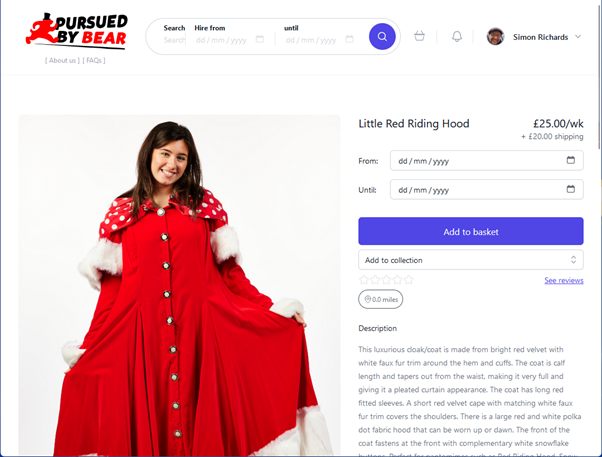
1. Search for the items that you want for your next show.
Click the “Add to collection” field and a list of your
collections will dropdown. At the bottom of the list, you can
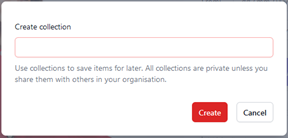
click “+ Create Collection” to get a pop-up.
Enter the collection name and it will be created and the item
will be added into it.
To add more items to the collection, when you click “Add to
collection” your new collection will be available in the
dropdown list. A tick appears next to each collection that the
item is already included in.